Uncensored text-to-image with DPO-tuned aesthetics — the first frame of every great video.
Spicy 1.0 Image (Z-Image Spicy) generates uncensored, photoreal or stylized images from text. Multi-stage sampling with DPO LoRA lifts diversity and aesthetic scores, while free built-in prompt expansion turns short ideas into detailed scenes. Composition controls are tuned for downstream image-to-video: clean backgrounds, movement space, action-ready poses.
No output yet. Run the model to see results.
Click 'Run Model' to generate output
Exact unit prices and billing rules for this model. All prices in USD.
Real generations from this model — hover a clip to play, copy the prompt to remix it.
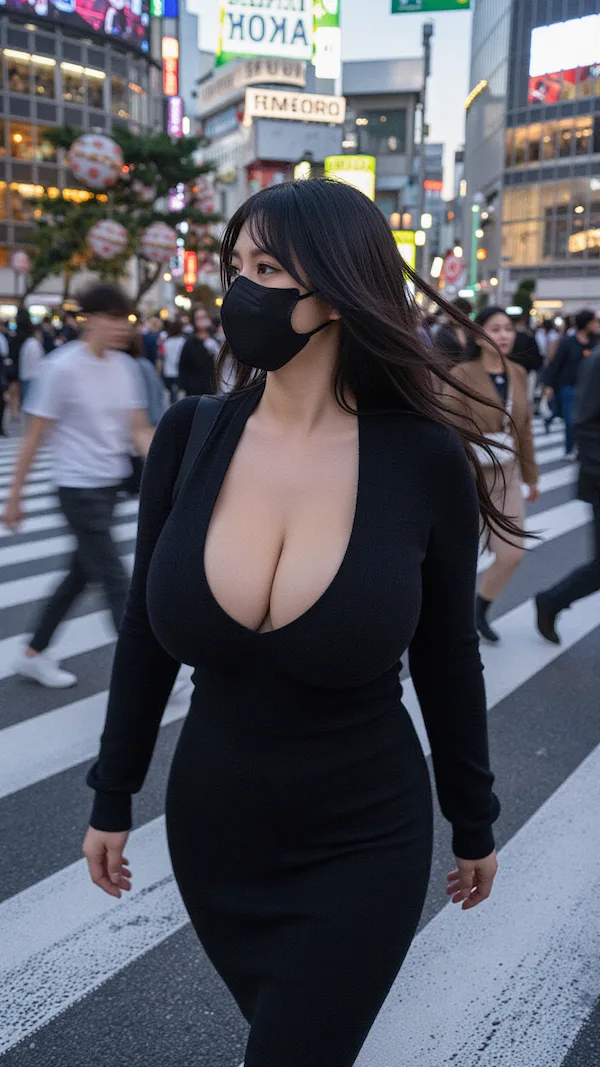
Sample output
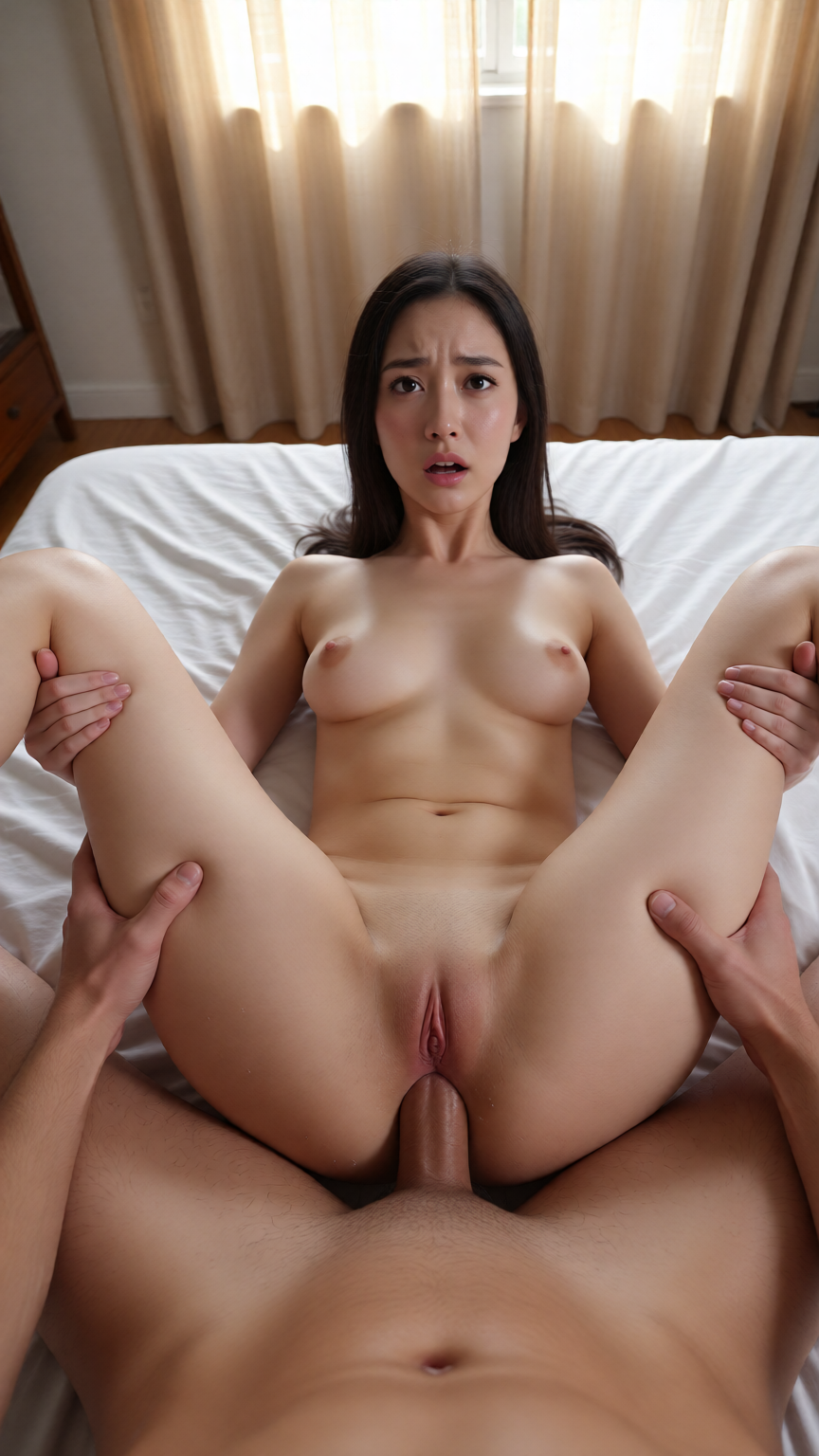
Sample output
Endpoint
https://api.spicyrouter.ai/v1/imagesAll requests require a Bearer API key.
Submit Task
curl -X POST \
  "https://api.spicyrouter.ai/v1/images" \
  -H "Content-Type: application/json" \
  -H "Authorization: Bearer YOUR_API_KEY" \
  -d '{
  "model": "z-image-spicy-lite",
  "aspect_ratio": "1:1",
  "prompt": "your prompt here",
  "prompt_extend": "false"
}'Poll Status
# Replace TASK_ID with the data.task_id from the submit response
curl -X GET "https://api.spicyrouter.ai/v1/status/TASK_ID" \
  -H "Authorization: Bearer YOUR_API_KEY"
Request Parameters
| Field | Required | Type | Values | Description |
|---|---|---|---|---|
aspect_ratio | No | enum | "1:1", "2:3", "3:2", "3:4", "4:3", "4:5", "5:4", "16:9", … Default: | Aspect Ratio |
prompt | Yes | string | 1 ~ 4000 chars Default: | Prompt |
prompt_extend | No | boolean | Default: | Prompt Extend |
Battle-tested prompts to get production-grade output in one shot.
Luxury hotel bedroom, soft white sheets. Medium close-up, eye-level, 85mm lens. Young woman with long dark hair and flawless skin, white blouse unbuttoned. Soft window side light, warm golden glow. Sitting on bed edge, leaning back, shy smile, looking up through lashes. Kodak Portra 400. Visible skin pores, dewy skin. Masterpiece, best quality, 8k, hyperrealistic, sharp focus.
Why Lite Image
Every parameter you never wanted to tune is already handled. Describe the scene; Lite Image takes care of the rest.
Your prompt is silently rewritten and expanded before generation — lighting, texture, anatomy and mood get filled in. Short ideas, gallery-grade results. On by default; toggle with prompt_extend.
From square 1:1 portraits to cinematic 21:9 and phone-native 9:16. The long edge stays pinned at 1536px, so every ratio comes back at full resolution.
Pass a seed to lock the composition — iterate on wording, wardrobe, and lighting without the pose drifting away. Omit it for a fresh roll every time.
$0.013 per image regardless of ratio or size. No token math, no surprises — volume pipelines can budget to the cent.
Use Cases
Daily content drops, themed sets, paywalled galleries. Prompt expansion turns rough ideas into polished sets, and the seed keeps a character's look stable across a whole series.
Lifestyle mockups, banner variants, A/B creative testing. Eleven ratios map one concept to every placement — feed, story, banner — in a single API loop.
Composition
Prompt expansion does the heavy lifting — but the seed idea is still yours. These six rules reliably steer the result.
Lead with who and what: age range, body, expression, wardrobe. The model weights the front of the prompt heaviest.
Pick the aspect ratio before you write: 2:3 flatters solo subjects, 16:9 gives scenes room to breathe, 1:1 suits icon-style crops.
"Golden hour backlight" beats "good lighting". Name the source and direction once; expansion fills in bounce and falloff.
"85mm portrait lens, shallow depth of field" or "wide establishing shot" — lens and distance words control intimacy better than adjectives.
Lock the seed once a composition lands, then vary one clause at a time. Each pass is one A/B test, not a new lottery.
Two focused sentences usually beat a 200-word essay. Write the intent; prompt_extend supplies the vocabulary.
Prompt Template
Copy it, swap the bracketed parts, ship it. Prompt text stays in English for the best results.
A stunning woman in her mid-20s with [hair], [outfit], [expression], [pose]. Setting: [location], [time of day], [atmosphere]. Light: [single light source + direction], soft shadows. Shot on 85mm f/1.4, shallow depth of field, [framing]. Mood: [one word].
Tip: run the same prompt with aspect_ratio: "2:3" for portraits, "16:9" for scenes — the canvas changes, the content logic stays.
FAQ
No — Lite Image is text-to-image only. The prompt is the whole brief; that's what keeps it fast and flat-priced. To transform an existing image, use an image-edit model instead.
Before generation, your prompt is rewritten and expanded with lighting, texture, and composition vocabulary tuned for the model. It is free and on by default; set prompt_extend: false when you want the raw prompt back.
2:3 for solo portraits, 1:1 for icon-style crops and galleries, 16:9 for cinematic scenes, 9:16 for phone-first content. Every ratio renders with the long edge at 1536px.
Reuse the seed. With the same prompt and seed, the composition comes back — change one clause at a time to iterate on details without losing the frame you liked.
One prompt, one image, $0.013. No queue, no setup, no judgment.